“I Want One Like This.” That Is What Remix Is For.
Turn a great Luxiva result — a conversation, infographic, video, podcast, report, or deck — into your own agent, grounded in your own data.
Sometimes you see a result and understand its value immediately.
It might be a conversation that finds the real reason revenue changed. An infographic that makes a complicated month clear at a glance. A short video your team could watch before Monday's meeting. A podcast that turns a spreadsheet into a useful briefing for the commute.
Your first thought is not: How was this configured?
It is simpler:
I want one like this.
That is the moment Remix is for.
Keep the result. Bring your own data.
A useful result is more than its final format. Behind it are the questions the agent asked, the metrics it used, the analysis method it followed, and the instructions that shaped the finished deliverable.
Remix uses that structure as a starting point, then rebuilds it around your data.
- See a useful conversation? Create an agent that can answer the same kind of questions for your business.
- See a clear infographic? Recreate the analysis with your own metrics and figures.
- See a video or podcast? Generate the same kind of briefing from your own operations.
- See a report or slide deck? Start with its analytical structure instead of a blank page.
The source data does not come with it. The person who shared the result keeps their data, and you bring yours.

How to Remix a result
When the owner has enabled Remix, the shared-result page includes Remix with my data.
1. Choose Remix
Open the shared result and select Remix with my data. You can review the conversation and featured deliverables before deciding.
2. Upload your data
Add a CSV or Excel file. If you belong to more than one workspace, choose where the new agent should live.
Luxiva imports the file into that destination. The sharer does not gain access to it.
3. Let Luxiva rebuild the analysis
Luxiva reads the structure of your file, proposes metrics, and connects them to what the source result needs. It also brings across the reusable skills and instructions that produced the original analysis.
If the result includes a featured infographic, video, podcast, document, or deck, Luxiva can recreate that kind of deliverable using your data.
4. Confirm anything only you can know
Most differences can be handled automatically. Your file does not need to use the same column names or layout as the original.
If the source result uses Revenue and your file has net_sales, Luxiva can often make the connection. If your file has both gross and net revenue, however, only you know which definition your team uses. In that case, Remix shows the choices and asks you to confirm.
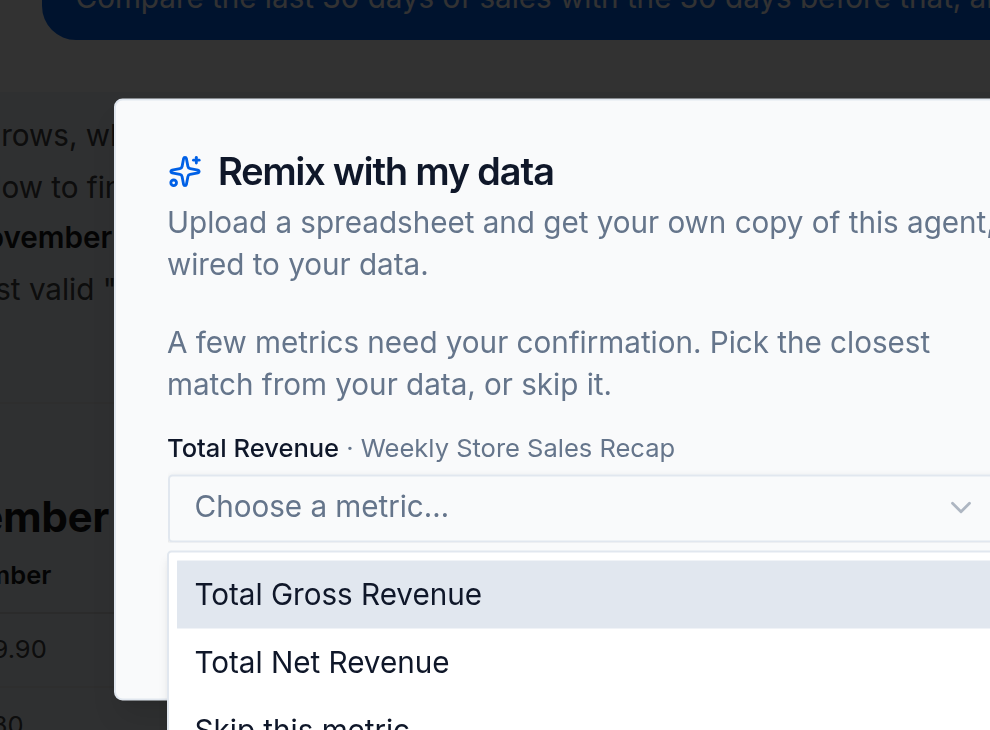
You do not need to design a data model. You only need to answer the occasional business question that software should not guess.
5. Open your agent
When Remix is ready, you receive your own agent in your own workspace. You can:
- ask follow-up questions;
- review and adjust its metric definitions;
- edit the copied skills and instructions;
- generate updated deliverables;
- test it before sharing it with your team.
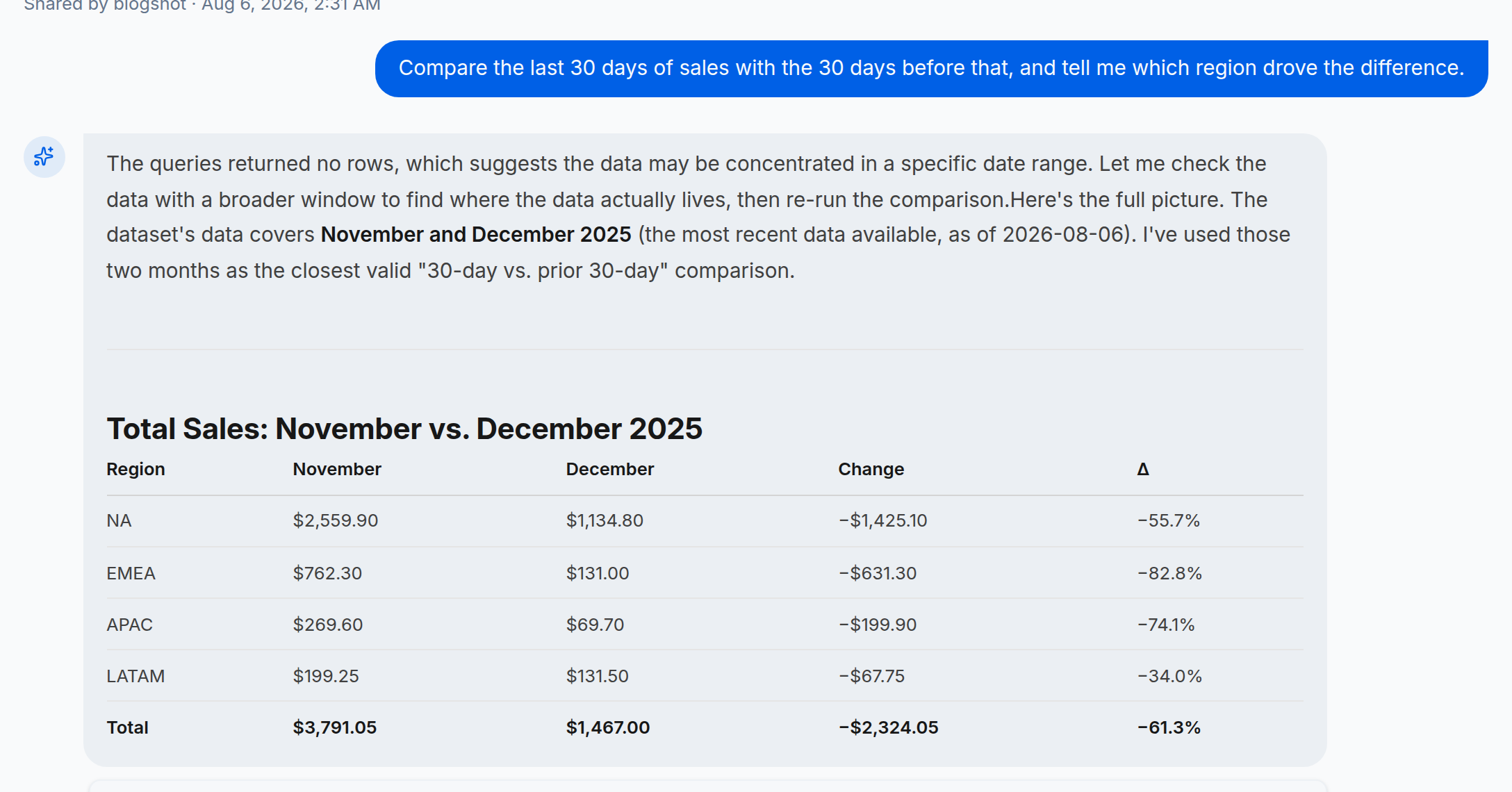
Different data does not mean starting over
One company says store; another says location. One table records orders; another records transactions. A weekly report may use net revenue while another uses gross sales.
These differences are normal.
Remix uses AI to understand the source result and your file together. It resolves clear matches, flags uncertain ones, and guides you through the few decisions that require your business context. If a required field is missing, it tells you instead of silently inventing an answer.
You keep control of the definitions. Luxiva handles the translation work around them.
From admiration to a working agent
Without Remix, “I want one like this” usually becomes a project: reverse-engineer the result, rebuild the prompts, define every metric, reproduce the format, and test the whole thing.
With Remix, the result itself becomes the starting point.
Open it. Bring your data. Confirm what matters. Then continue with an agent that is yours.
remix-demo-cta
For file requirements, permissions, credits, and troubleshooting, read Remix with your data.